Chapter 18 Ultrasonic Ranging
In this chapter, we learn a module which use ultrasonic to measure distance, HC-SR04.
Project 18.1 Ultrasonic Ranging
In this project, we use ultrasonic ranging module to measure distance, and print out the data in the terminal.
Component List
ESP32-S3-WROOM x1
GPIO Extension Board x1
830 Tie-Points Breadboard x1
Ultrasonic Sensor x1
F-M DuPont Cable x4
Connect
Note that the voltage of ultrasonic module is 5V in the circuit.

Code
Move the program folder Super_Starter_Kit_for_ESP32_S3/Python/Python_Codes to disk(D) in advance with the path of “D:/Micropython_Codes”.
Open “Thonny”, click This computer/D:/Micropython_Codes/18.1_Ultrasonic_Ranging and double click “Ultrasonic_Ranging.py”.
18.1_Ultrasonic_Ranging
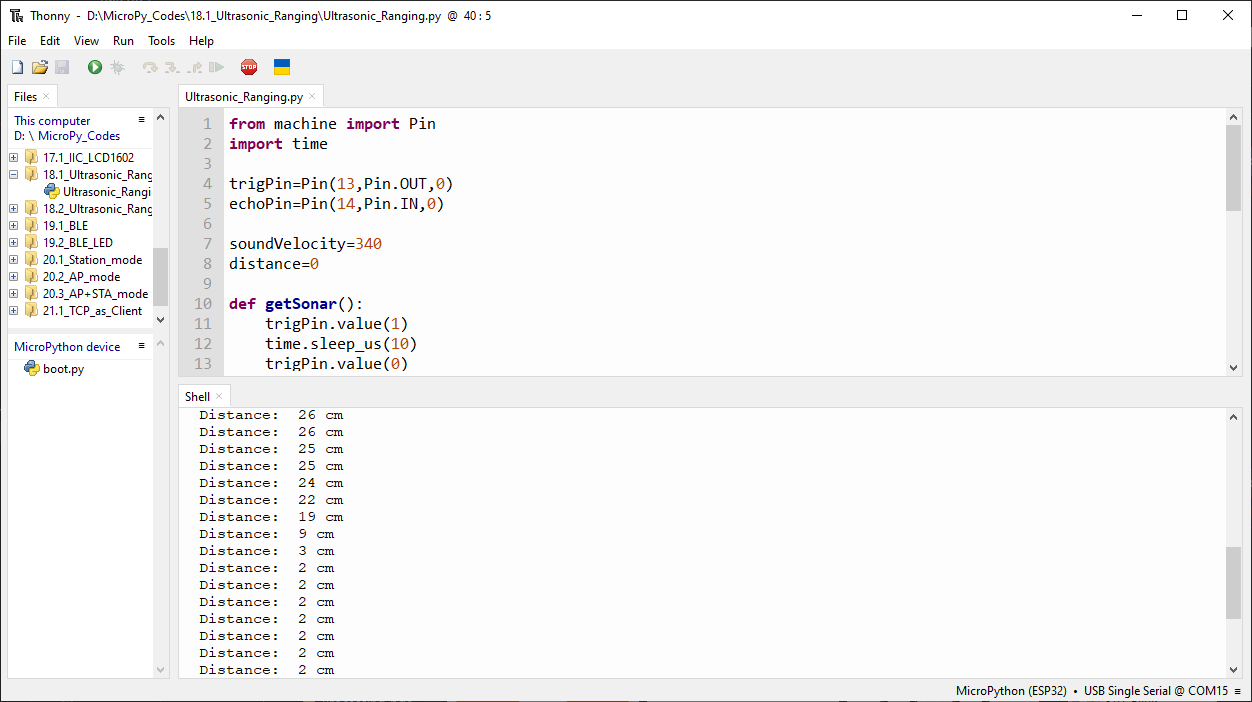
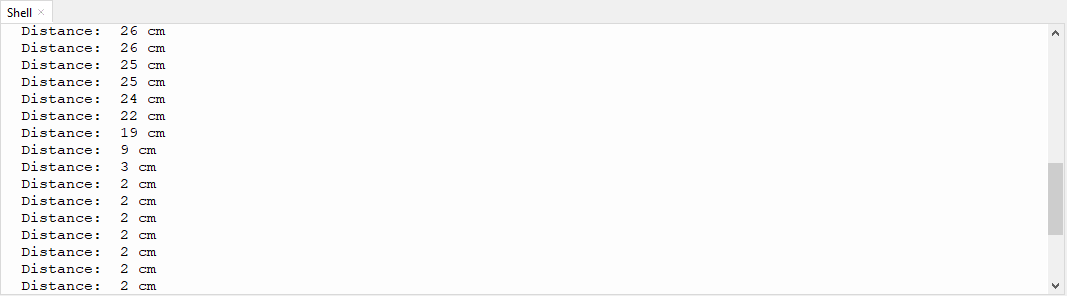
Click “Run current script”, you can use it to measure the distance between the ultrasonic module and the object. As shown in the following figure:
The following is the program code:
from machine import Pin
import time

trigPin=Pin(13,Pin.OUT,0)
echoPin=Pin(14,Pin.IN,0)

soundVelocity=340
distance=0

def getSonar():
    trigPin.value(1)
    time.sleep_us(10)
    trigPin.value(0)
    while not echoPin.value():
        pass
    pingStart=time.ticks_us()
    while echoPin.value():
        pass
    pingStop=time.ticks_us()
    pingTime=time.ticks_diff(pingStop,pingStart)
    distance=pingTime*soundVelocity//2//10000
    return int(distance)

time.sleep_ms(2000)
while True:
    time.sleep_ms(500)
    print('Distance: ',getSonar(),'cm' )
Project 18.2 Ultrasonic Ranging
Component List and Connect
Component List and Connect are the same as the previous section
Code
This version encapsulates the functions into the folder hr04.py, and the main program can run with only a small amount of code.
Open “Thonny”, click This computer/D:/Micropython_Codes/18.2_Ultrasonic_Ranging.
Select “hcsr04.py”, right click your mouse to select “Upload to /”, wait for “hcsr04.py”
to be uploaded to ESP32-S3 and then double click “Ultrasonic_Ranging.py”.
18.2_Ultrasonic_Ranging
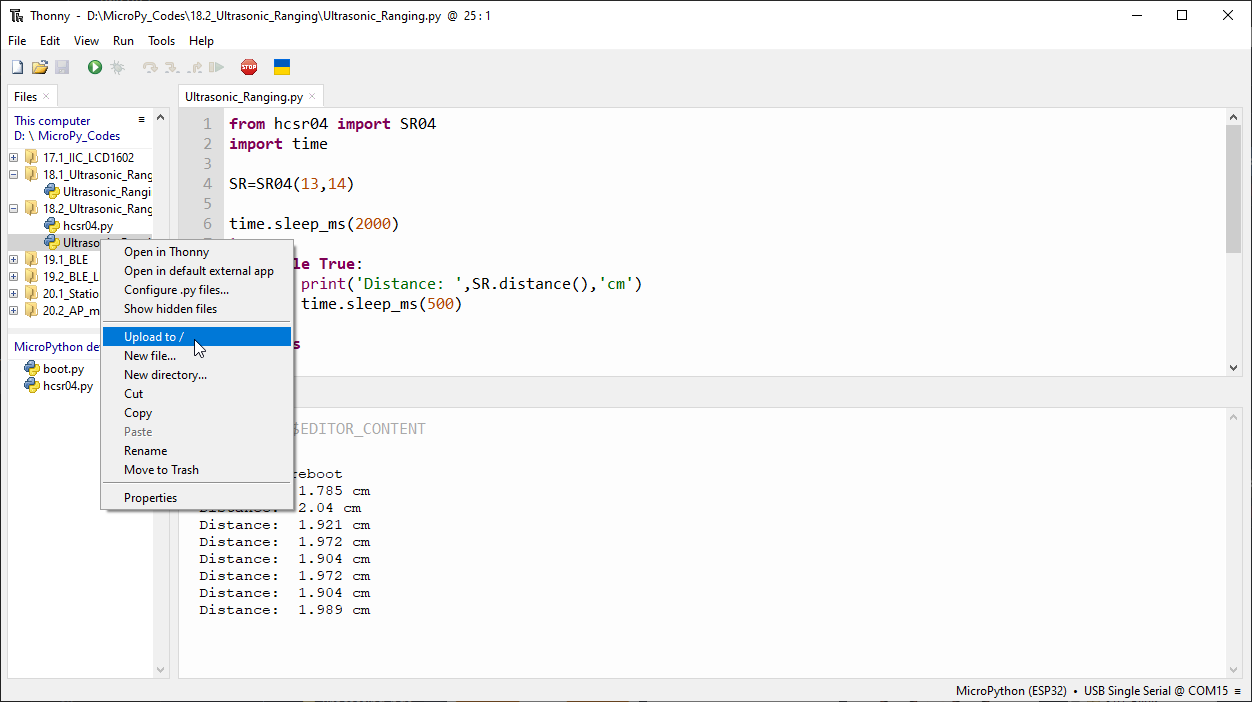
Click “Run current script”. Use the ultrasonic module to measure distance. As shown in the following figure:

The following is the program code:
from machine import Pin
import time

soundVelocity=340
distance=0

class SR04(object):
    def __init__(self, trig: int=13, echo: int=14):
        self._trigPin = Pin(trig,Pin.OUT,0)
        self._echoPin = Pin(echo,Pin.IN,0)

    def distanceCM(self):
        self._trigPin.value(1)
        time.sleep_us(10)
        self._trigPin.value(0)
        while(self._echoPin.value()==0):
            pass
        pingStart=time.ticks_us()
        while(self._echoPin.value()==1):
            pass
        pingStop=time.ticks_us()
        pingTime=time.ticks_diff(pingStop,pingStart)
        distance=pingTime*soundVelocity//2//10000
        return distance

    def distanceMM(self):
        self._trigPin.value(1)
        time.sleep_us(10)
        self._trigPin.value(0)
        while(self._echoPin.value()==0):
            pass
        pingStart=time.ticks_us()
        while(self._echoPin.value()==1):
            pass
        pingStop=time.ticks_us()
        pingTime=time.ticks_diff(pingStop,pingStart)
        distance=pingTime*soundVelocity//2//1000
        return distance

    def distance(self):
        self._trigPin.value(1)
        time.sleep_us(10)
        self._trigPin.value(0)
        while(self._echoPin.value()==0):
            pass
        pingStart=time.ticks_us()
        while(self._echoPin.value()==1):
            pass
        pingStop=time.ticks_us()
        pingTime=time.ticks_diff(pingStop,pingStart)
        distance=pingTime*soundVelocity/2/10000
        return distance